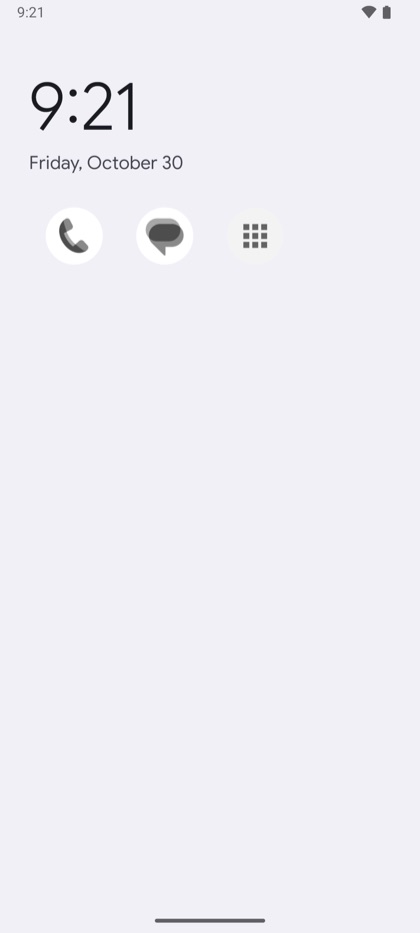
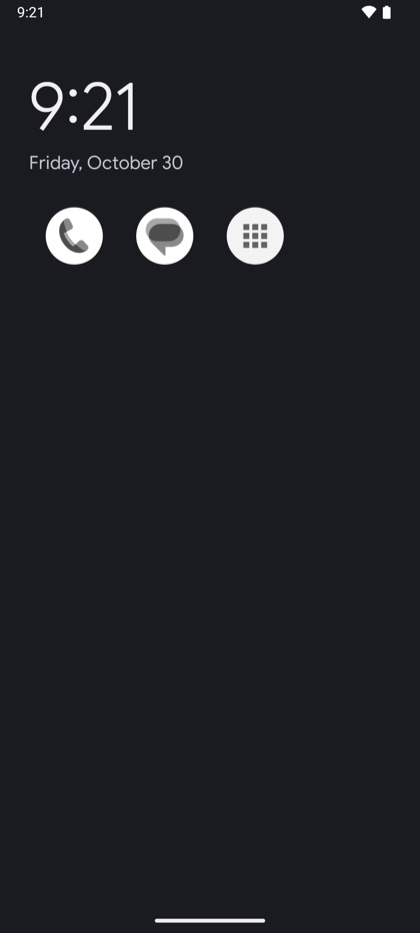
Evenglade // A calmer phone

A calmer phone, with space for your life.

Evenglade is a home screen for Android that keeps the few apps you need close and sets the rest aside until you choose to bring them back. No account, no ads, and nothing ever leaves your phone.

Coming soon to Google Play. Help test it, or watch the guides.

The Evenglade home screen: Evenglade, 9:21 AM, Friday, October 30, Making time for walks with Juno, then 01 Phone, 02 Messages, 03 Everything else The Evenglade home screen in its dark look: the time and date, Making time for walks with Juno, then 01 Phone, 02 Messages, 03 Everything else

Set aside, on your terms

The apps that pull you out of the now, resting until you choose them.

Your home screen holds only the few apps that matter. Everything else waits a tap away, and the apps you'd rather not reach for out of habit are set aside. If one is opened some other way, from a link or a search, a calm Evenglade screen covers it. Turn on notification access, and their notifications are cleared as they arrive.

Your apps: Files, Google and SIM Toolkit unlisted, and Chrome, Drive, Gmail, YouTube and YouTube Music set aside since Oct 29, with 76 of their notifications quieted this past week Your apps in the dark look, with the set-aside list

Your apps, near and far

The few apps you need sit up front. Everything else is a tap away, and the apps that pull you away rest out of sight. Any you'd rather not see at all can be unlisted, and still open from a link.

Moving an app further away never needs your key. Bringing one back from being set aside does.

A moment before YouTube: your aim for YouTube is 15m a day, today so far 16m, a breathing countdown, Making time for a good book, and Don't open A moment before YouTube, in the dark look

A breath before you open, and your reason to look up

Name what you're making time for, such as a walk with the dog, a good book or playing music, and Evenglade brings it up now and then on your home screen. Set gentle aims for your time, for the day or for one app. Once an aim has passed, opening that app begins with a short, slow pause and one of your reasons.

Aims never keep an app closed. They're there to remind you of your intentions.

The home screen showing 1h 12m of 2h on screen and 18 unlocks today, with 14m beside Phone and 22m of 30m beside Messages The same home screen with today's screen time, in the dark look

Screen time, quietly

If you'd like to see it, today's screen time and unlocks sit at the top of your home screen, and each app's time beside its name, next to any aim you've set.

It's counted from Android's own record, on your phone, and never leaves it.

Bring back YouTube: for 30 minutes, then it's set aside again, with a one-time code from an authenticator app typed in Bring back YouTube with a one-time code, in the dark look

Your key, and someone you trust if you'd like

  • Bring an app back for 15 minutes, half an hour or an hour, with your PIN. It's set aside again on time, with a countdown in your notifications.
  • If you'd like help, someone you trust can hold the key for you: they choose the PIN, and can read you one-time codes from anywhere. See how
  • They never see what you do on your phone, and they don't need an account either.

Your look

A home screen that feels like yours.

Ten looks, from a numbered list on sage green to pencil on a pocket memo pad. Evenglade and the Clean looks can also follow your phone's light and dark mode.

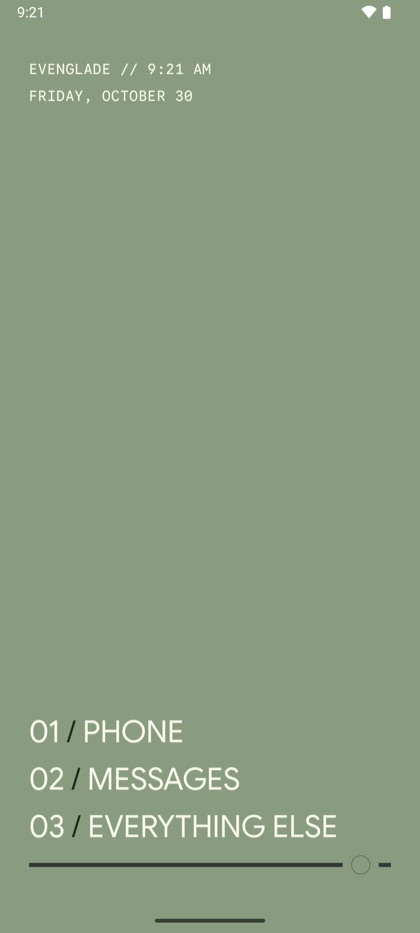
  • The home screen in Evenglade (light): the time, the date, then Phone, Messages and Everything else
    Evenglade (light)Cream on sage green, as a numbered list.
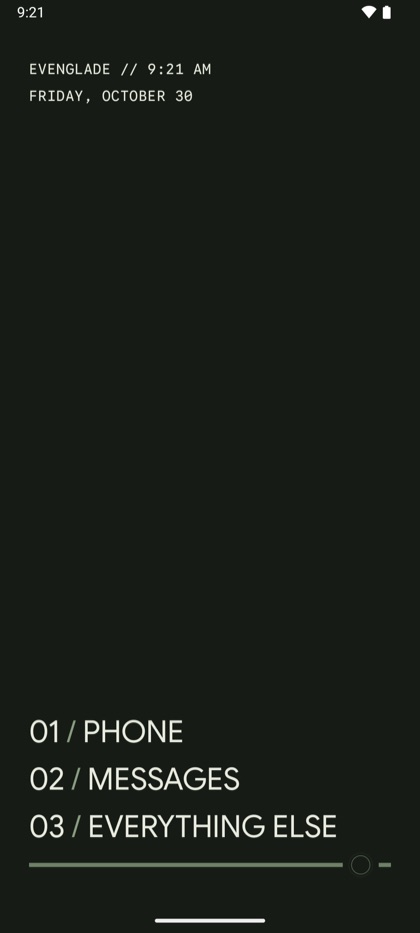
  • The home screen in Evenglade (dark): the time, the date, then Phone, Messages and Everything else
    Evenglade (dark)Cream on deep green, as a numbered list.
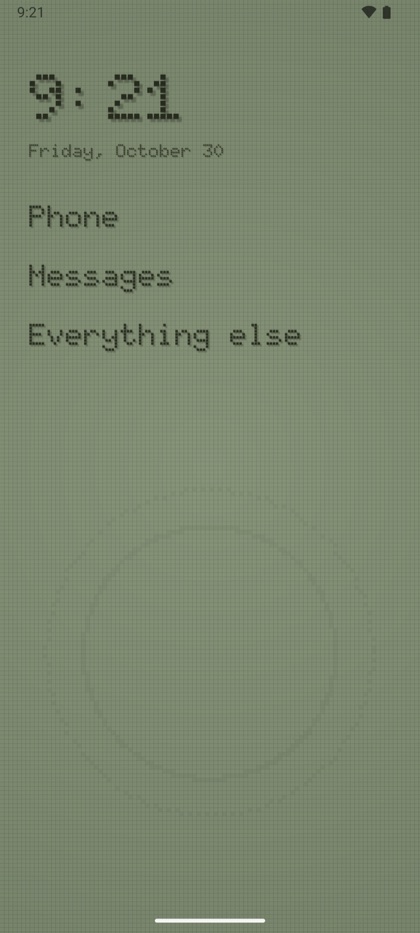
  • The home screen in Retro LCD: the time, the date, then Phone, Messages and Everything else
    Retro LCDOld-style LCD screen with pixel text.
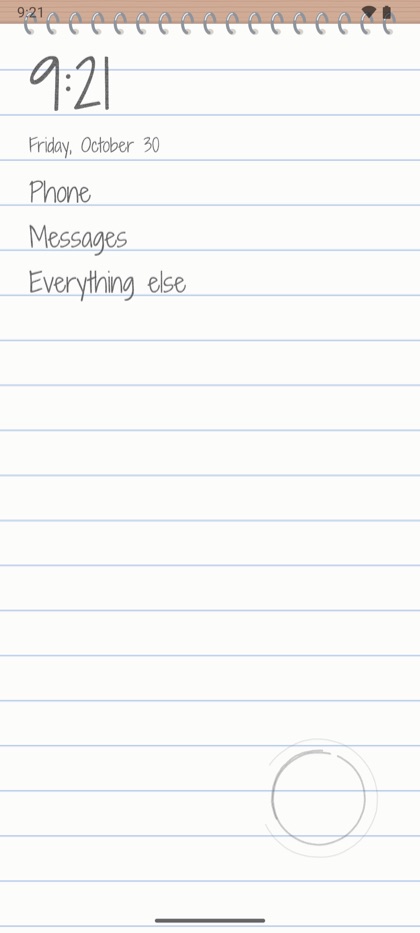
  • The home screen in Memo pad: the time, the date, then Phone, Messages and Everything else
    Memo padHandwritten on a spiral pocket memo pad.
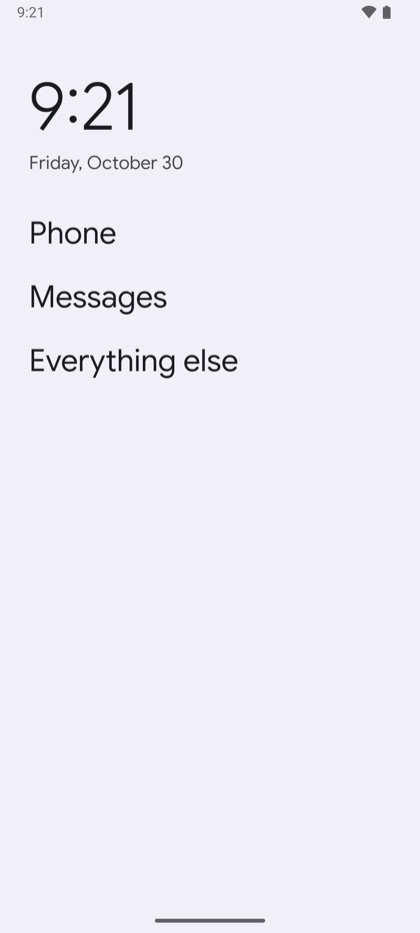
  • The home screen in Clean (light): the time, the date, then Phone, Messages and Everything else
    Clean (light)Simple, clean list of apps by name.
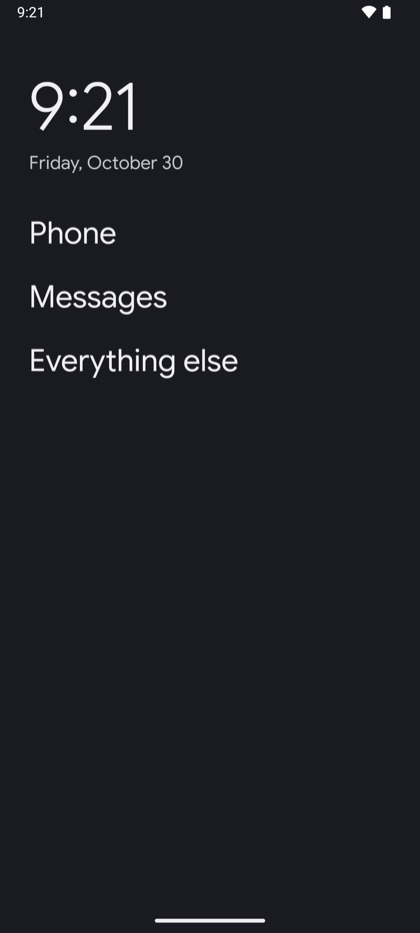
  • The home screen in Clean (dark): the time, the date, then Phone, Messages and Everything else
    Clean (dark)Simple, clean list of apps by name.
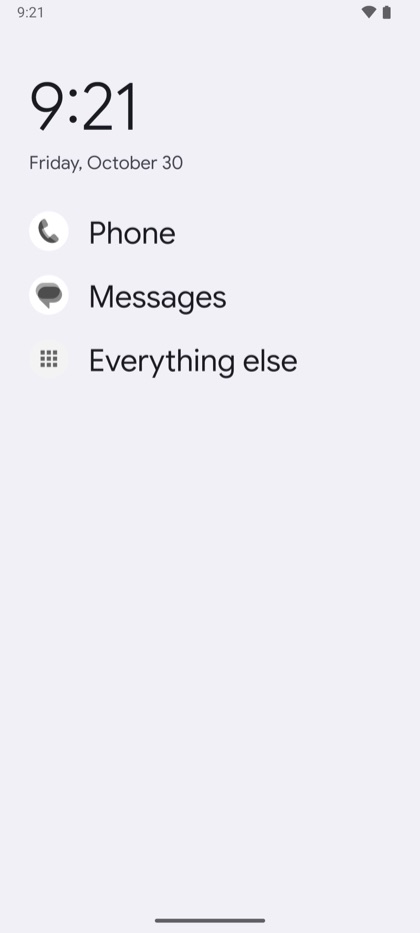
  • The home screen in Clean with icons (light): the time, the date, then Phone, Messages and Everything else
    Clean with icons (light)Same clean list, but with icons shown.
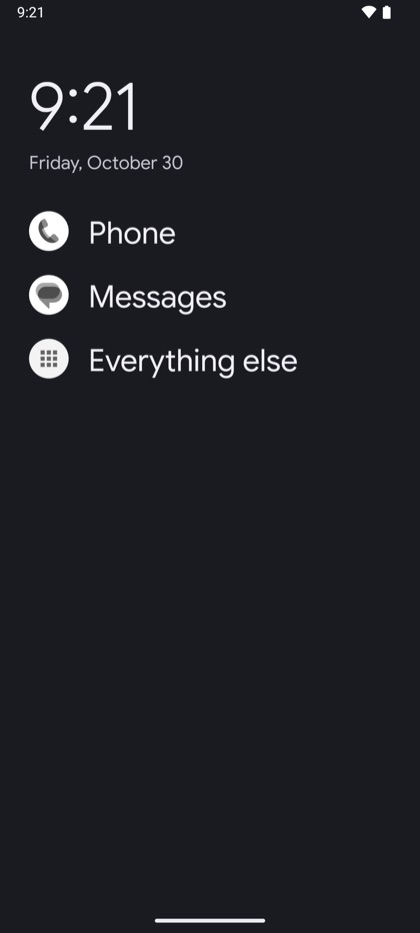
  • The home screen in Clean with icons (dark): the time, the date, then Phone, Messages and Everything else
    Clean with icons (dark)Same clean list, but with icons shown.
  • The home screen in Clean icon grid (light): the time, the date, then Phone, Messages and Everything else
    Clean icon grid (light)Clean, with just the icons in a grid.
  • The home screen in Clean icon grid (dark): the time, the date, then Phone, Messages and Everything else
    Clean icon grid (dark)Clean, with just the icons in a grid.

What stays

It's still your phone.

Evenglade is an app on Android, not a new operating system, so your phone keeps everything it already does well.

  • /Android's security updates
  • /Your number, your carrier, calls and texts
  • /Your camera and your photos
  • /Maps, and any app you choose to keep close
  • /No account to make, no ads, no tracking
  • /Evenglade never uses the internet, so what it knows stays on your phone. Privacy

Trying it early

Testing on Google Play opens soon.

A small group will try Evenglade before it opens to everyone, and you're welcome to join. All you need is an Android phone and the Google account you use on it.

You can join the group today. The other steps open in a few days, and we'll post in the group as soon as they do.

  1. Join the testers group. Join the Evenglade testers group with the Google account on your phone. If the accounts differ, Google Play won't know you're a tester. Only we post there, and only when there's something new to try.
  2. Become a tester. Open the testing page and tap Become a tester. Opens in a few days
  3. Install Evenglade. Get it from Google Play. Updates arrive just like any other app's. Opens in a few days
  4. Tell us how it's going. On Evenglade's page in the Play Store, scroll to the section for testers and send your feedback there. It comes straight to us, and it's never shown publicly.

If you can, keep Evenglade for two weeks or more. Google asks for a steady group of testers over 14 days before an app can open to everyone, so each day you keep it helps.

Something not working, or rather write to us? We're at

feedback@evenglade.com

Questions

A few things people ask.

Which phones does it work on?
Android 10 or newer. It's built and tested on Pixels, and it's likely to work on other Android phones too. If you try it on one, we'd love to hear how it goes.
Is this a launcher?
It's a home screen, with a little more: when a set-aside app is opened some other way, Evenglade covers it, and it can quiet that app's notifications.
Does it use the internet?
Never. Evenglade has no internet access at all, so your choices, reasons and screen time stay on your phone.
What if I change my mind?
Choose another home app in Android's Settings, under Default apps, or uninstall Evenglade. Every app is right where it was. To step away for a while instead, tap Stop using Evenglade under Advanced in its Settings, and your choices wait for when you return. See how.